LobiBox
Facebook-f
Twitter
Instagram
Envelope
Hardware
Video Intercom Systems
Outdoor Video Intercom
Indoor Video Intercom
IP Video Call Station
Access Control Systems
RFID Card Reader
2 Door Access Controller
Single Door Access Board
Building Security Systems
License Plate Recognition
5MP Dome Camera
10 Channel I/O Board
K-SIG Transmitters & Receivers
Software
Mobile App
Admin Portal
LobiCom Central Station
Support
Contact Us
Manuals & Downloads
Video Tutorials
Terms Of Service
Warranty Statement
YOUR PRIVACY & SECURITY
Schedule a Demo
Menu
Hardware
Video Intercom Systems
Outdoor Video Intercom
Indoor Video Intercom
IP Video Call Station
Access Control Systems
RFID Card Reader
2 Door Access Controller
Single Door Access Board
Building Security Systems
License Plate Recognition
5MP Dome Camera
10 Channel I/O Board
K-SIG Transmitters & Receivers
Software
Mobile App
Admin Portal
LobiCom Central Station
Support
Contact Us
Manuals & Downloads
Video Tutorials
Terms Of Service
Warranty Statement
YOUR PRIVACY & SECURITY
Schedule a Demo
Support
Video Tutorials
1. How to add buildings
2. How to setup a visitor unit
3. How to add schedules
4. How to add Access Levels
5. How to add members
6. How to add administrators
7a. HOW TO ADD SECURITY
7B. HOW TO ADD SECURITY FOR LOBICOM
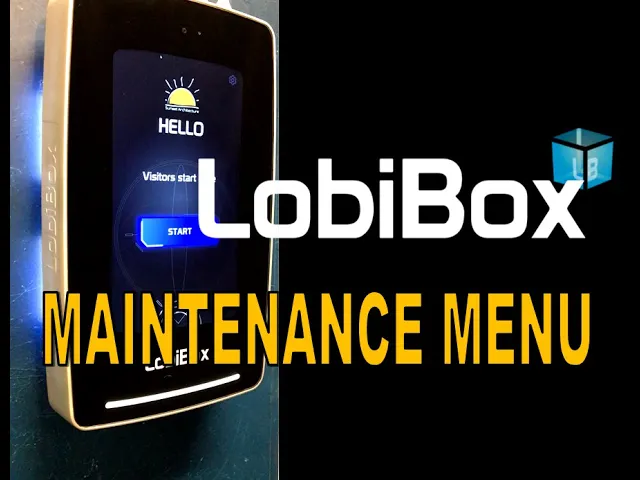
LOBIBOX VISITOR UNIT MAINTENANCE MENU
LobiBox Visitor Unit Maintenance Menu
Gaining Entry Without An RFID Access Card
View User Guides
feature overview
Video Intercom - Call a Member
LobiCom - I Need Assistance Button
Visitor Scheduling -
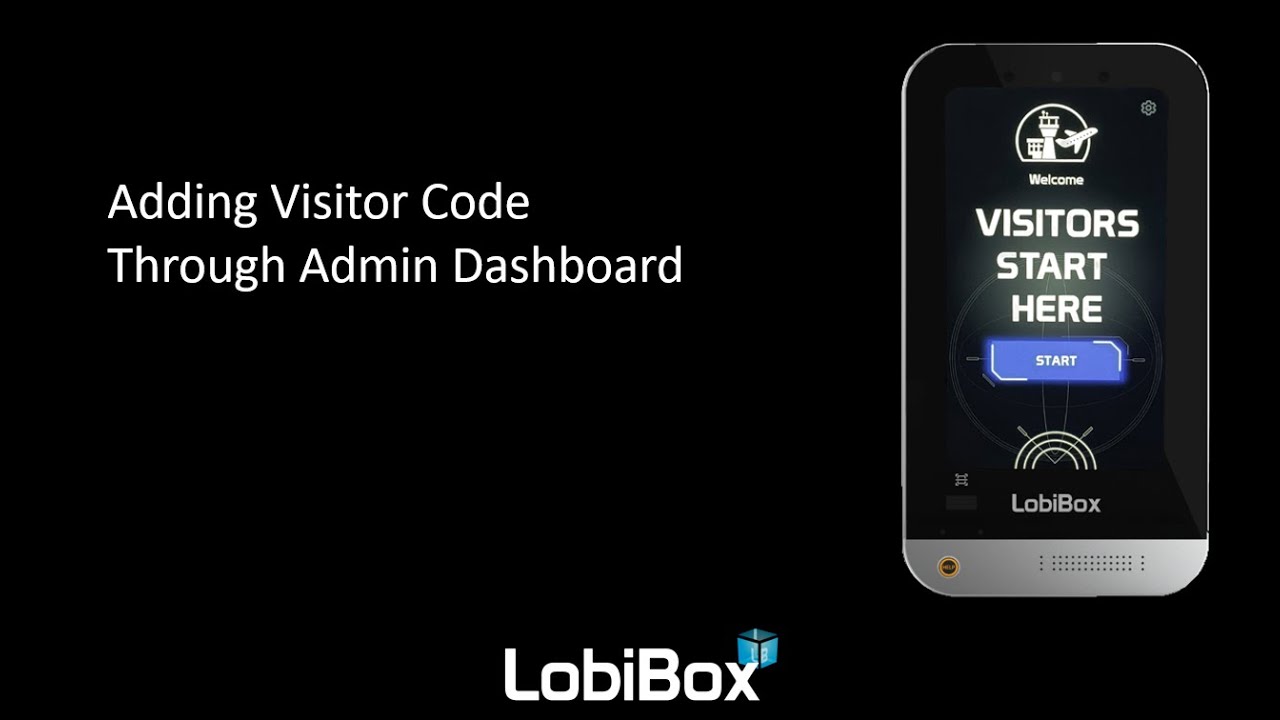
Access Codes
need more lobibox support?
Email Support
email support
for a quick response
Download our OEM Partners Packet
Learn how LobiBox can work for your business.
Download
Download